Tab Suspender Pro, a Chrome extension I design, build and run
Tab Suspender Pro puts idle Chrome tabs to sleep so the browser gets its memory back. I make every part of it alone, from the service worker to the index-card look to the store release, and 4,000 people use it. Its store rating is 2.4 of 5 from 16 ratings, and the audit on this page included those reviews.
The bug no review mentioned
The main feature puts idle tabs to sleep on a timer. On 15 October I found that it mostly didn’t work for anyone who kept using Chrome.
Chrome stops an extension’s service worker after about 30 seconds of idle and starts it again on any event. On every restart the startup code cleared each tab’s alarm and set it again from zero. A tab switch or a page load was enough, so the timer never reached its end.
Nobody reported it. People used the Suspend all button, which worked, and blamed their own settings for the rest.
How I found it
I ran one orchestrating session that sent 18 agents through the code, the store reviews and a test browser in about two and a half hours. A code audit came back with 21 defects, 2 of them critical. The timer reset was the first.
Seven of the 21 traced back to one choice. All settings lived in one synced storage item with an 8 KB cap, so a long site list stopped saving while the screen still said Added.
QA made it concrete. With DevTools closed, the way people run it, 0 of 2 background tabs slept in 212 seconds. After the fix, 2 of 2 slept at 60 seconds and 16 of 16 tests passed.
Never lose a tab
A research agent read reviews and issue trackers for 15 rival extensions. The top complaint wasn’t memory, it was losing tabs after a crash, an update or an uninstall, in 11 separate reports.
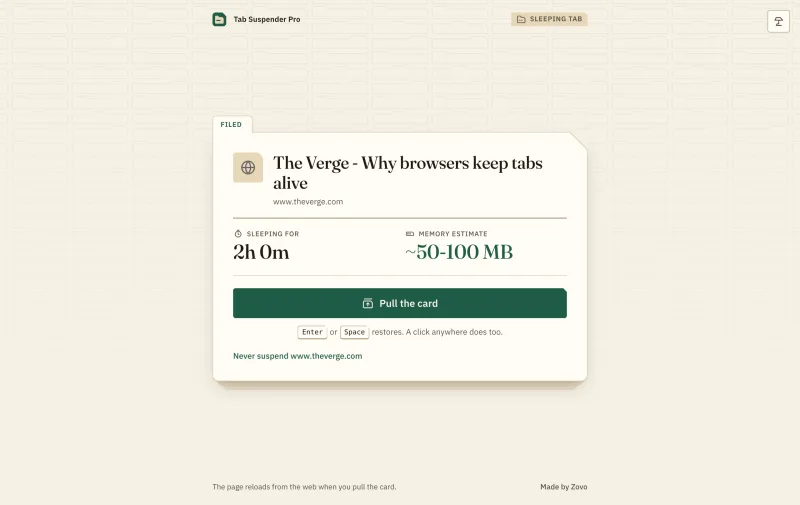
So every tab goes into a local ledger as it sleeps, with its address, title and icon. Settings has a Recovery section that reopens today’s tabs in one click, and pulling a card brings the page back at the same scroll position.
The look
The old design was a violet gradient like every rival. I scored three new directions cold, and Card Catalog won with 56 of 60 against 48 and 43.
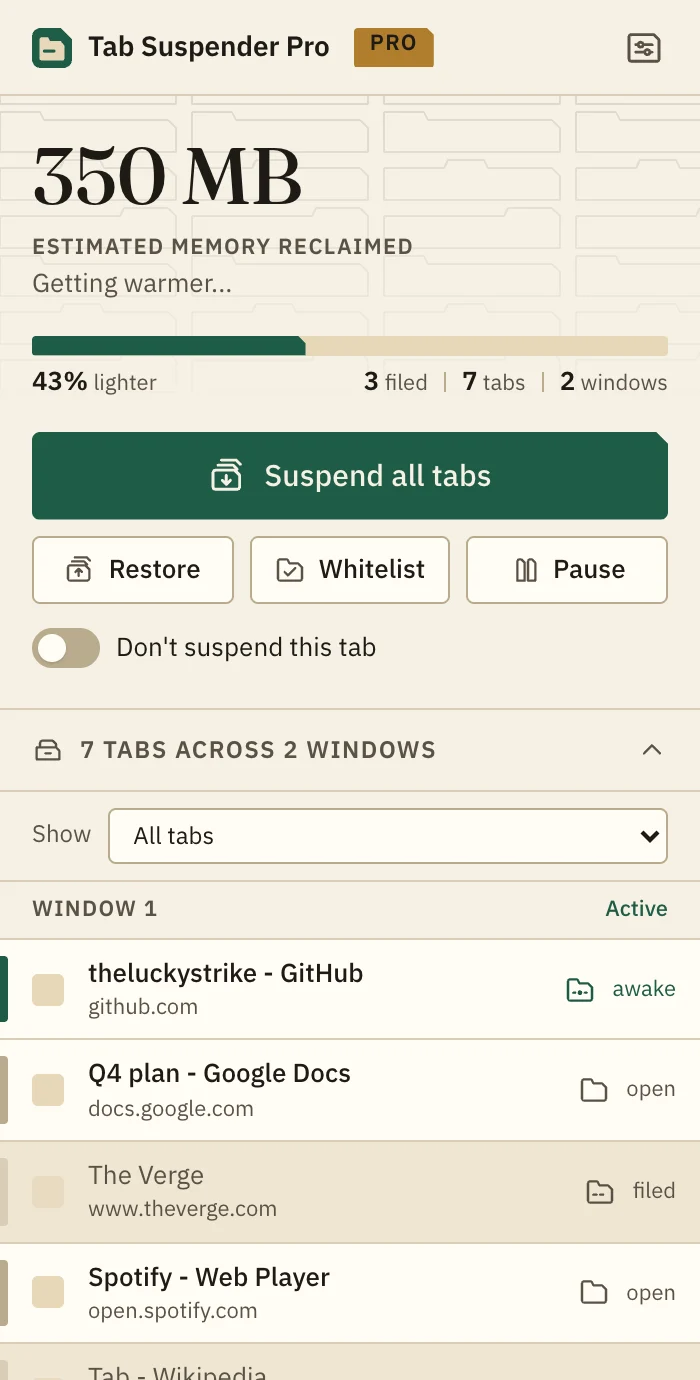
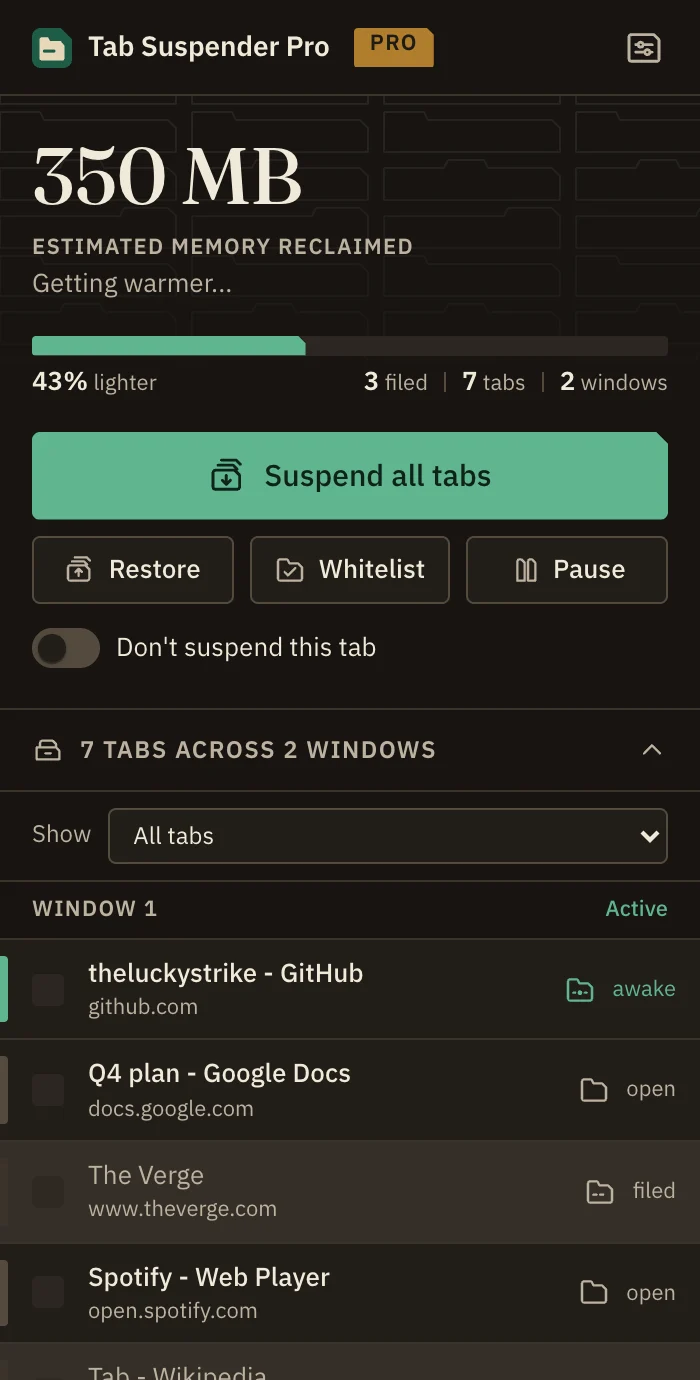
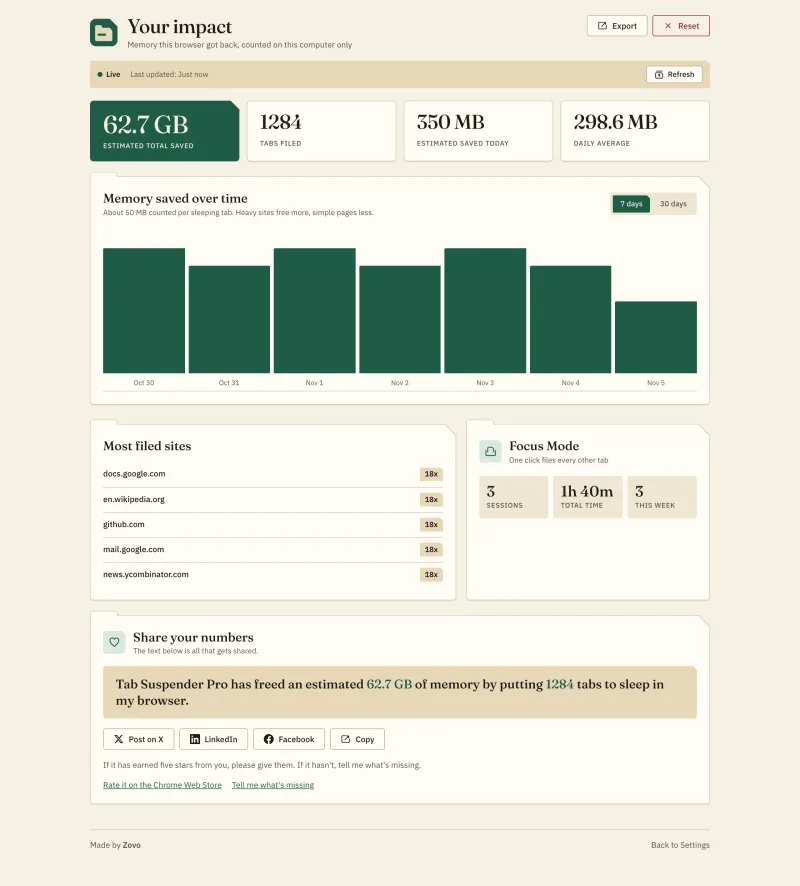
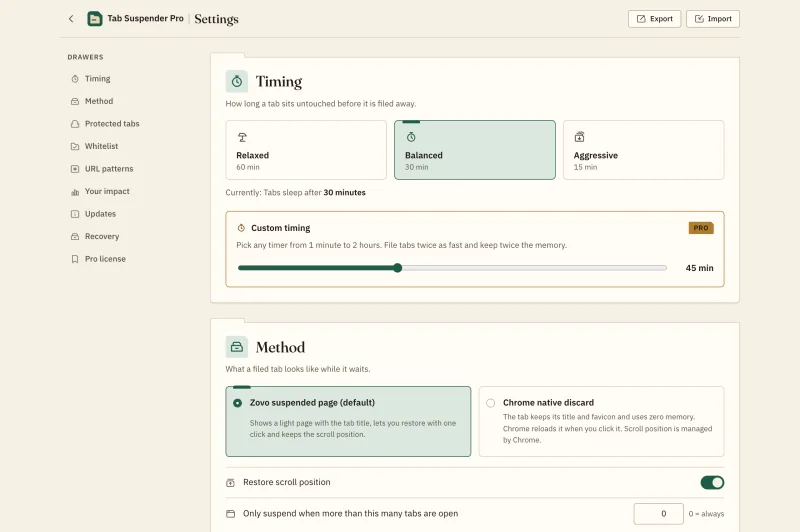
An open browser is a desk buried in paper, and a sleeping tab is an index card filed in a drawer with its tab still showing. Paper, manila, lamp green and brass, a serif for numbers, and one card shape with a clipped corner on every surface, in light and dark.
The illustrations cost 72 cents for 24 images, and each one was checked for stray text and logos before it shipped.
Evidence
My own product. The screenshots come from the 1.0.41 build, rendered with sample tabs and sample totals.